Compare design directions and pick the one people choose.
A Preference Test puts the designs side by side and asks one question: which one would you pick, and why. User Sage counts every person's pick once, collects the reasons in their own words, and keeps the AI Panel's read separate from the real participants'.
How comparing designs works
Put the options in one study
Upload your design directions as separate options, two or more, and write the question in the words a customer would hear: which homepage makes you want to try the product. Everyone sees every option in the same order.
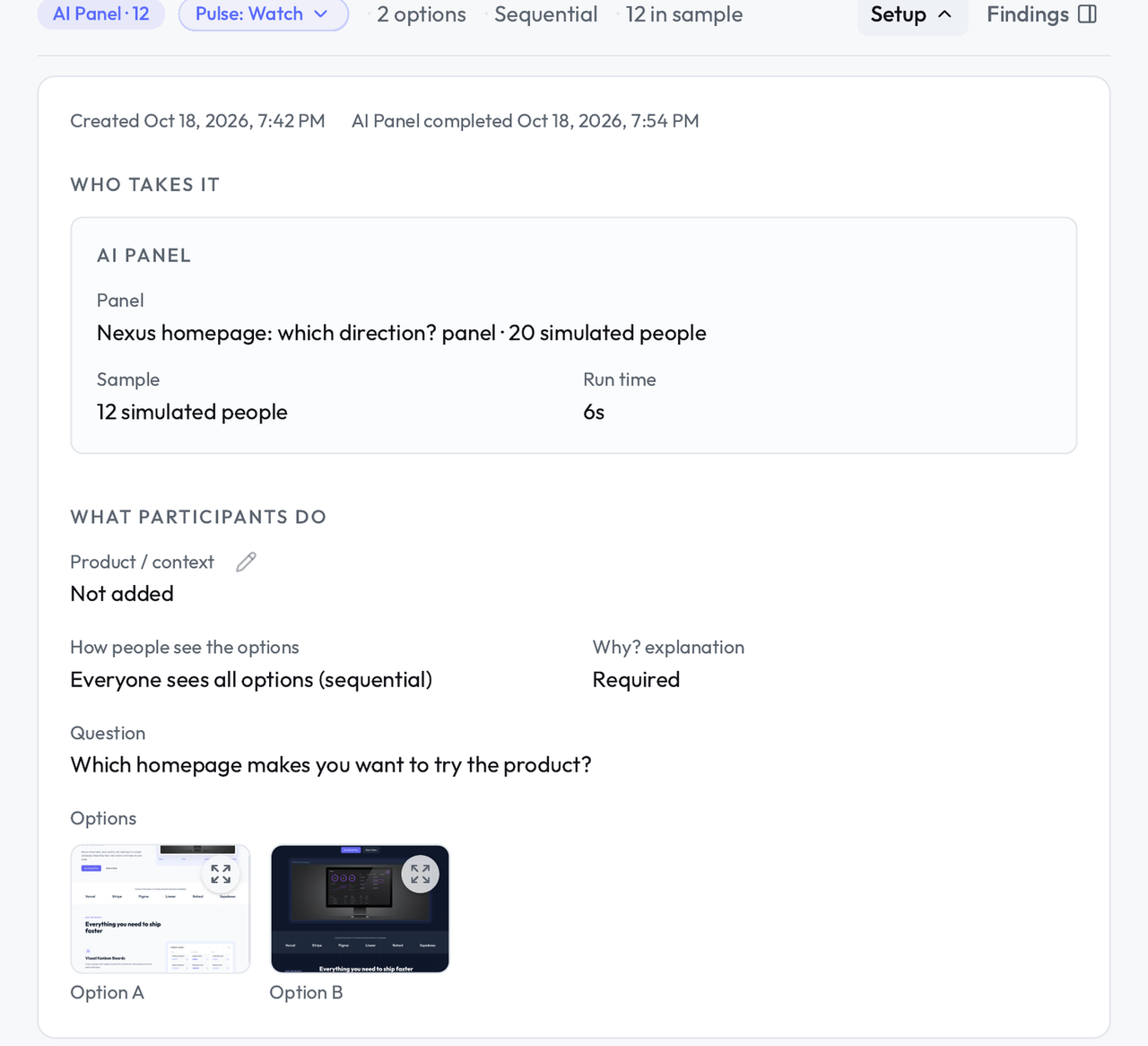
Run both panels
The AI Panel answers first, a dozen simulated people in seconds, which tells you whether the question itself makes sense. Then send the same study to Your Panel or the GenPop Panel for the picks you will actually decide on.
Read the split and the reasons
You get the count for each option and every person's reason under it. Findings shows the simulated split and the real split side by side, each labeled, so a strong AI read never gets mistaken for a real result.
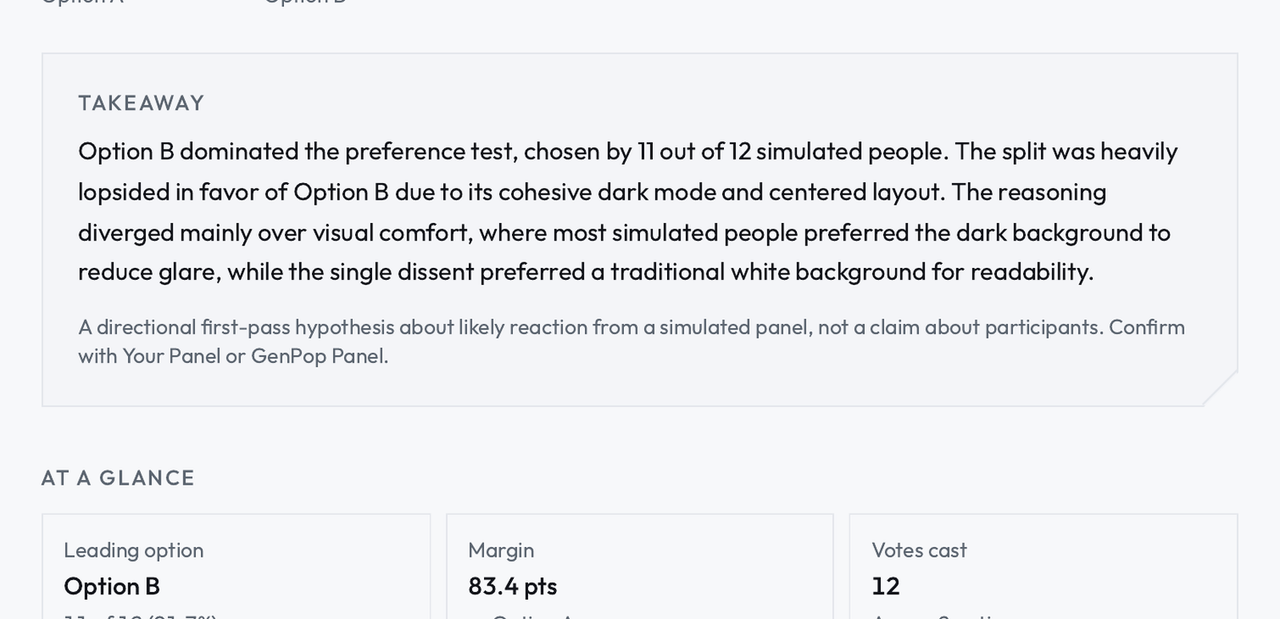
What you get
The split, with each person's pick counted exactly once.
Every person's reason, in their own words, under the option they picked.
The simulated split and the real split side by side, labeled, never blended.
A decision you can show the team: the count, the reasons, and which panel they came from.
A preference test answers a narrow question honestly: given these options, which do people pick, and what do they say about each.
It cannot tell you whether any of the options is good, only which one people reach for. The AI Panel read is worth having first, because a lopsided simulated split can mean one option is confusing people, and that is worth checking before you spend real participants on the comparison. The decision itself belongs to the real picks and the reasons under them.
Questions about preference tests.
How many options can I compare?
Two is the cleanest comparison and the one teams use most. You can add more options when the decision really has more than two directions, and everyone still sees all of them and picks one.
What if the split is close?
Then the count is not the answer and the reasons are. Read what people say about each option: a close split with clear reasons still tells you what each direction is doing right, and a follow-up study or a live session can settle what the preference test cannot.
Should I trust the AI Panel's split?
Treat it the way the product labels it: a hypothesis. If the simulated split and the real split agree, you have an early read that held up. If they disagree, the real picks are the ones that count.