Recruiting, studies, and Projects in one place.
User Sage holds the whole research practice in one workspace: your panel and your recruiting, every method from surveys to moderated sessions, incentives handled per participant, and Findings that keep simulated and real results labeled and apart. Your past work stays filed in Projects instead of scattered across tools.
How researchers use User Sage
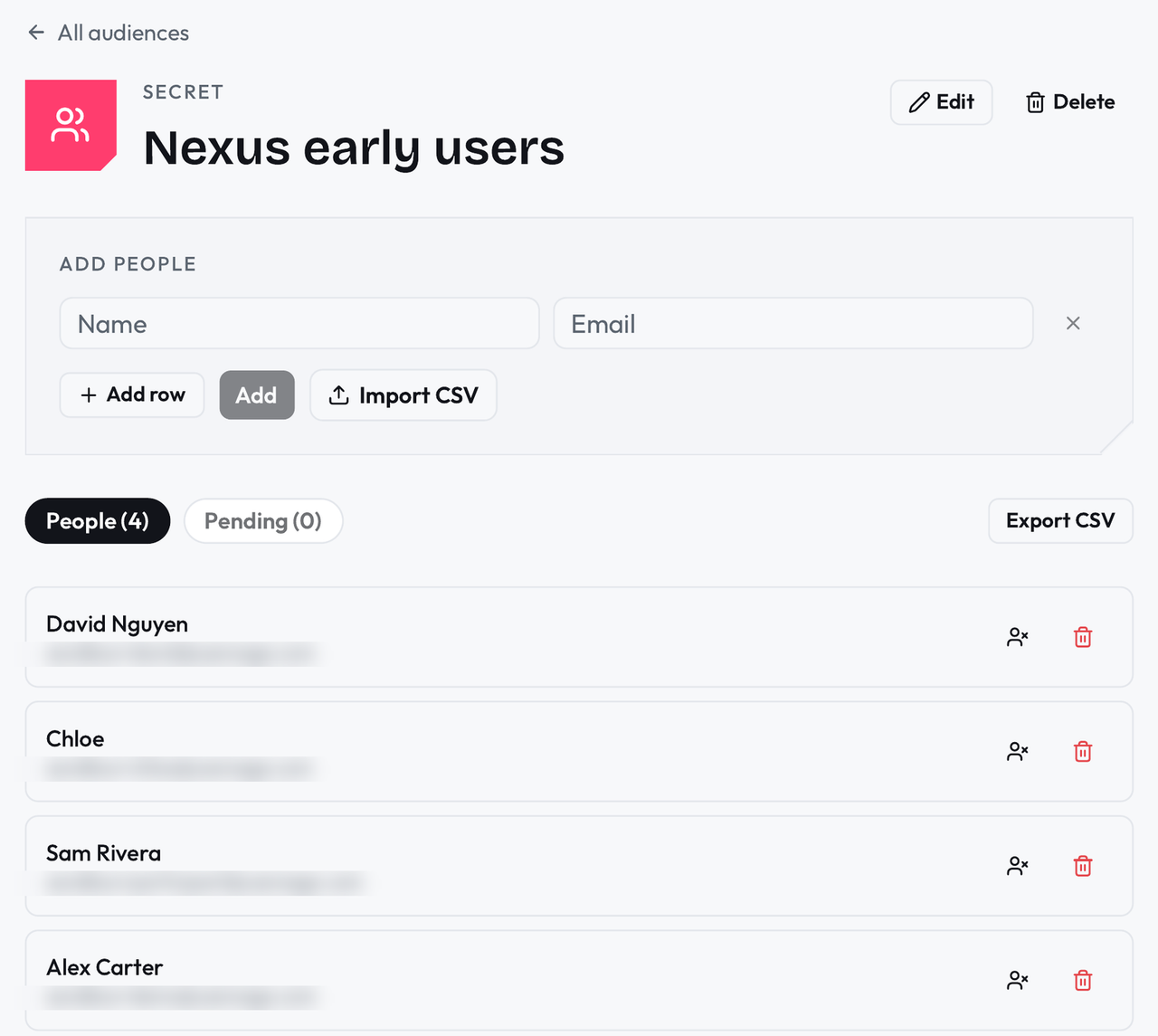
Keep your people in Your Panel
Build audiences from your own customers and community, invite them by link or email, and recontact the same people across studies without rebuilding the list. A blocklist keeps anyone who should never be invited out of every send.
Run live sessions without the booking and reminder work
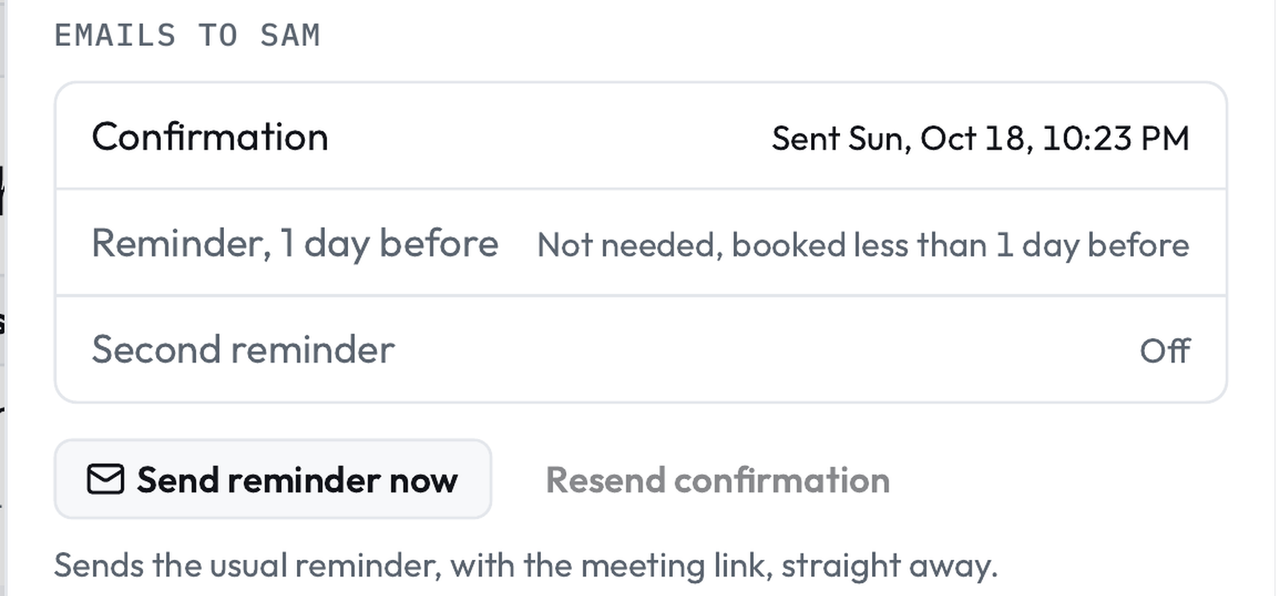
Moderated Sessions carry their own booking links, reminders, and calendar checks. Each session keeps its recording, transcript, and the participant's study answers together, with the incentive recorded on the same page: what was offered, and whether it has been paid.
Analyze where you already work
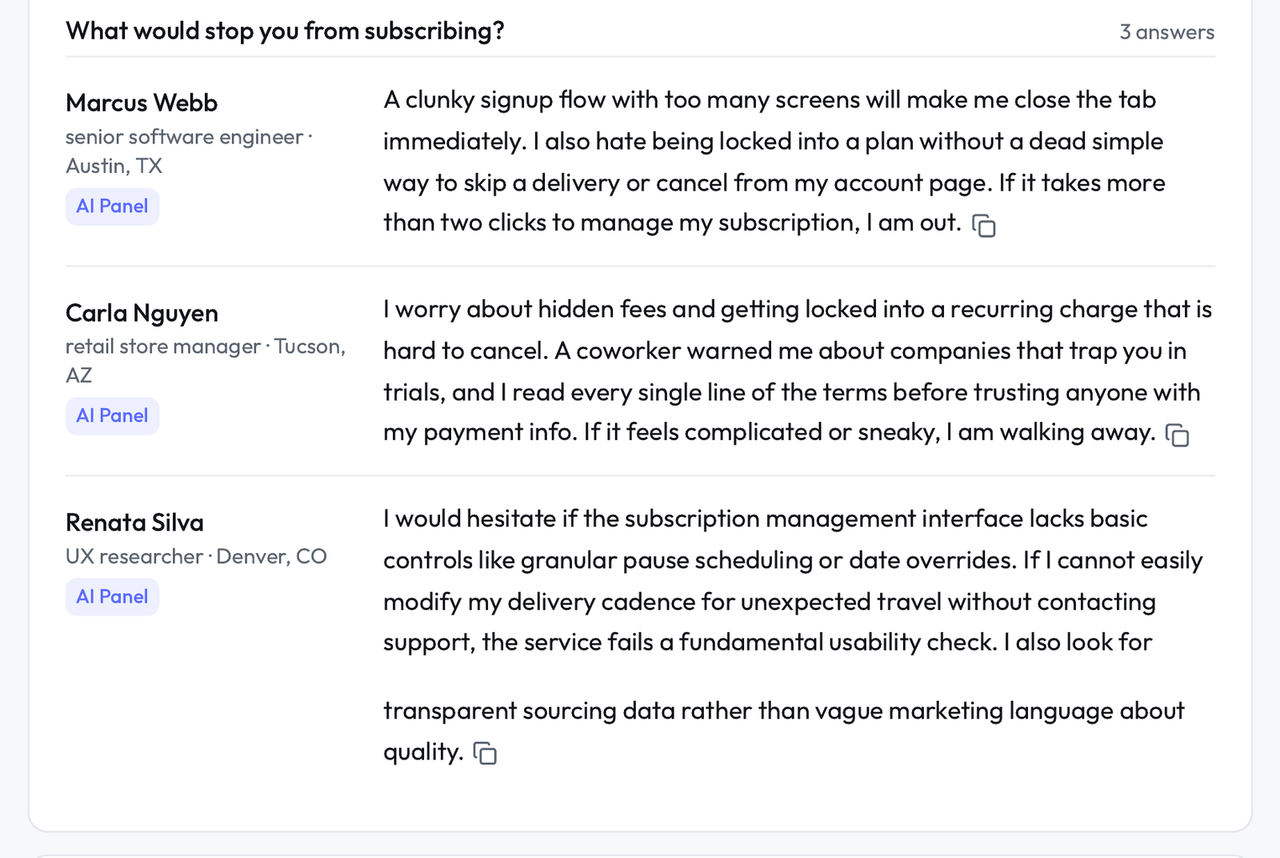
In Findings, every result says whether it came from a simulated person or a real participant, and the MCP connection lets you pull studies, responses, and findings into the AI tools you already write and analyze in, instead of exporting files between apps.
What you get
A panel that persists: audiences, participation history, and a blocklist that is enforced.
Sessions with the recording, transcript, and incentive record on one page.
Incentive sends through Tremendous, one per participant, tracked on the session.
Your past studies, filed in Projects, with Briefs for the questions that start them.
Whether a study needs the AI Panel's speed is your call, study by study.
What is not optional is the labeling. Each simulated person answers separately, Pulse checks the run for responses that look too alike or too eager to please, and Findings never lets a simulated result sit in the real column. You decide how much simulation a question deserves. The product's job is to make sure nobody downstream mistakes it for a participant.
Questions researchers ask.
How does the AI Panel decide what simulated people say?
Each simulated person is built from the participant model for that study: their background, their traits, and how people like them use products like yours. Each one answers separately, so the responses vary the way a real panel's do, and Pulse checks the run for responses that look too alike or too eager to please.
Can I bring my existing panel?
Yes. Add your customers as an audience in Your Panel and invite them by link or email. Participation is tracked per person across studies, so you can see who has taken part and who has been paid, and nobody gets invited twice by accident.
Where does my data live, and who can see it?
Your studies and responses live in your workspace, and sharing runs on links you control from each study, brief, and project. The security page describes the setup in plain terms, and security@usersage.com reaches the team for the detailed questions.