Go and see for yourself: watch live, review the findings.
You do not need another summary deck about your own customers. In User Sage you can watch a live session as it happens, send the moderator a question while there is still time to ask it, and read the findings yourself afterward, with the simulated results labeled as simulated.
How stakeholders use User Sage
Watch the session live
When a study runs as a moderated session, you get an observer link. You watch and listen from the Observation Lounge without joining the call, and the participant never sees you. It is the closest thing to sitting in the room, because you are. If you cannot be there while it happens, the session is recorded, and the recording and transcript stay with the session so you can watch it later.
Send your question to the moderator
Type the question you wish the moderator would ask, and it reaches them during the session. The follow-up you think of on the day gets asked on the day, not in an email thread next week.
Read the findings yourself
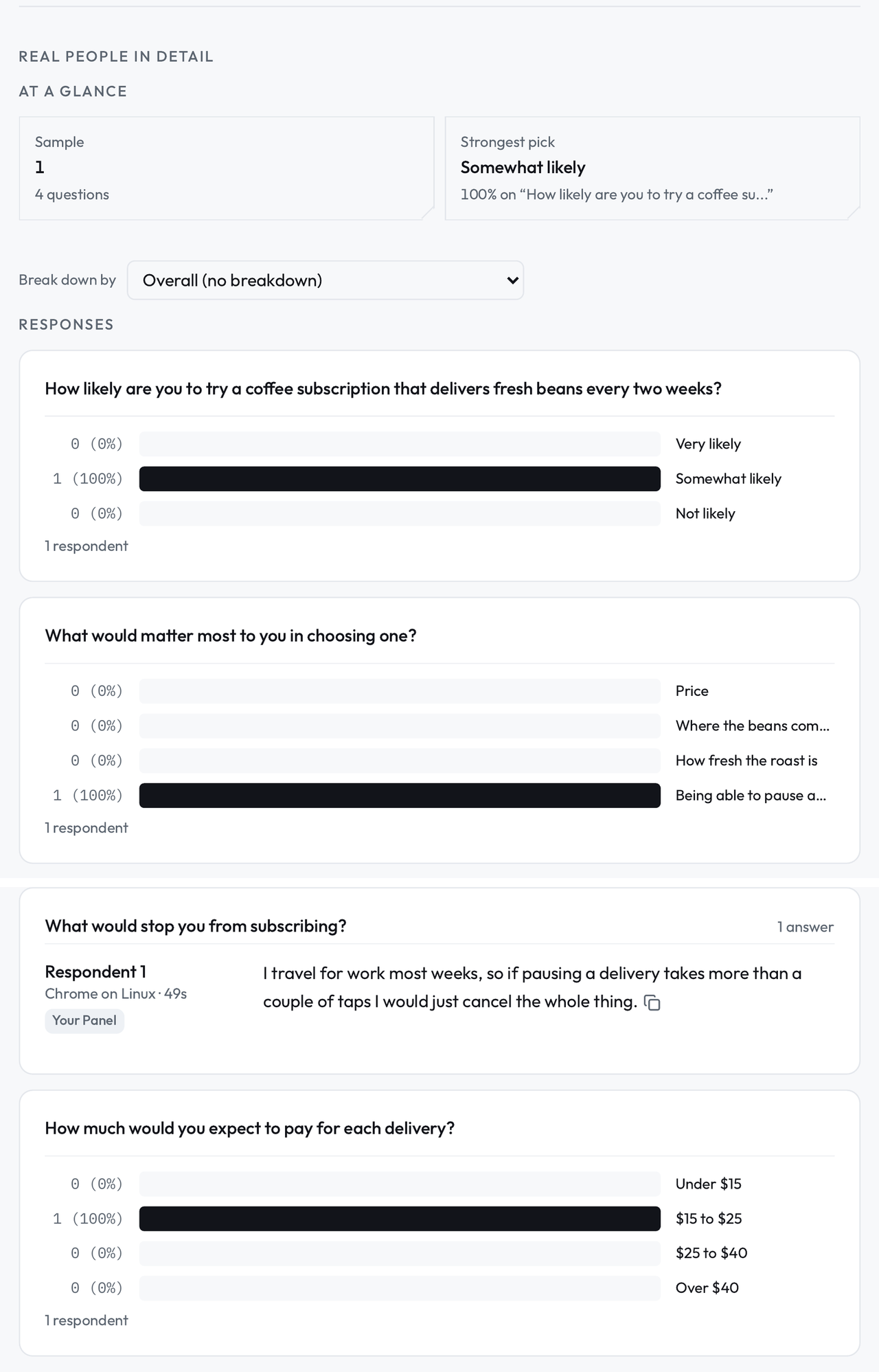
Afterward the study's Findings are shared with you by link: the answers people gave, how many gave each one, and their verbatim comments, with simulated results in their own labeled column. No deck, and no game of telephone between the session and your decision.
What you get
A live seat in the Observation Lounge for any session you are invited to.
Your questions reaching the moderator during the session, not after it.
Findings shared by link, updated as responses come in.
Every result labeled by source, so you always know whether a person or a simulation said it.
A summary is one person's judgment about what mattered.
The detail that would have changed your mind is often the detail that got cut. Watching the session and reading the findings yourself is slower than a summary and better than one, and the labeling means the hour you spend is spent on real people's answers unless you choose otherwise.
Questions stakeholders ask.
Do I need an account to watch a session?
No. The observer link is the invitation. It opens the Observation Lounge in your browser, and you can watch and send questions without signing up.
Can the participant see or hear me?
No. Observers are not on the call. The participant sees the moderator and the study, and your questions go to the moderator as text.
What am I looking at in Findings?
Each study's results, organized by question: how many people gave each answer, the individual answers, and the AI's summary beside them, labeled. Simulated results sit in their own column, so the quotes you repeat in your own meetings are real participants' words.